

By Julian Bringold, Co-founder of SeveUp ·
Quick answer
The Subscription page in SeveUp App shows your current plan (name, renewal date, quantity, status) and, when data exists, a Usage block with used amounts and limits. It is read-only: the page has no button to change anything. It needs a billing account linked to your session.
Free 14-day trial, no credit card.
The “Subscription” page in SeveUp App answers two questions: which plan is attached to your billing account, and how much of it you are using. Its subtitle reads “Your plan and usage”. Nothing can be edited there. It is a reading page, the one you open before a renewal, to check the status of a subscription, or to see whether a limit is getting close. This guide walks through each block, the exact labels on screen, and the messages you may run into when the data does not load.
A word on vocabulary first. The page does not read your subscription from your login. It uses the identifier of the “billing account” attached to your session. Without that identifier it has nothing to query, and it says so plainly.
Before you start
Very little is needed. You must have an open session, because the page reads it to get the billing account identifier, and that reading is treated as fresh for about a minute before it is requested again. The billing account must also exist. If not, the page tells you with a message.
No setup is asked for beforehand: no checkbox, no filter, no period to choose.
Reading the page step by step
Subscription
Open the account page titled “Subscription”. The browser tab carries the same name, and the line under the title reads “Your plan and usage”.
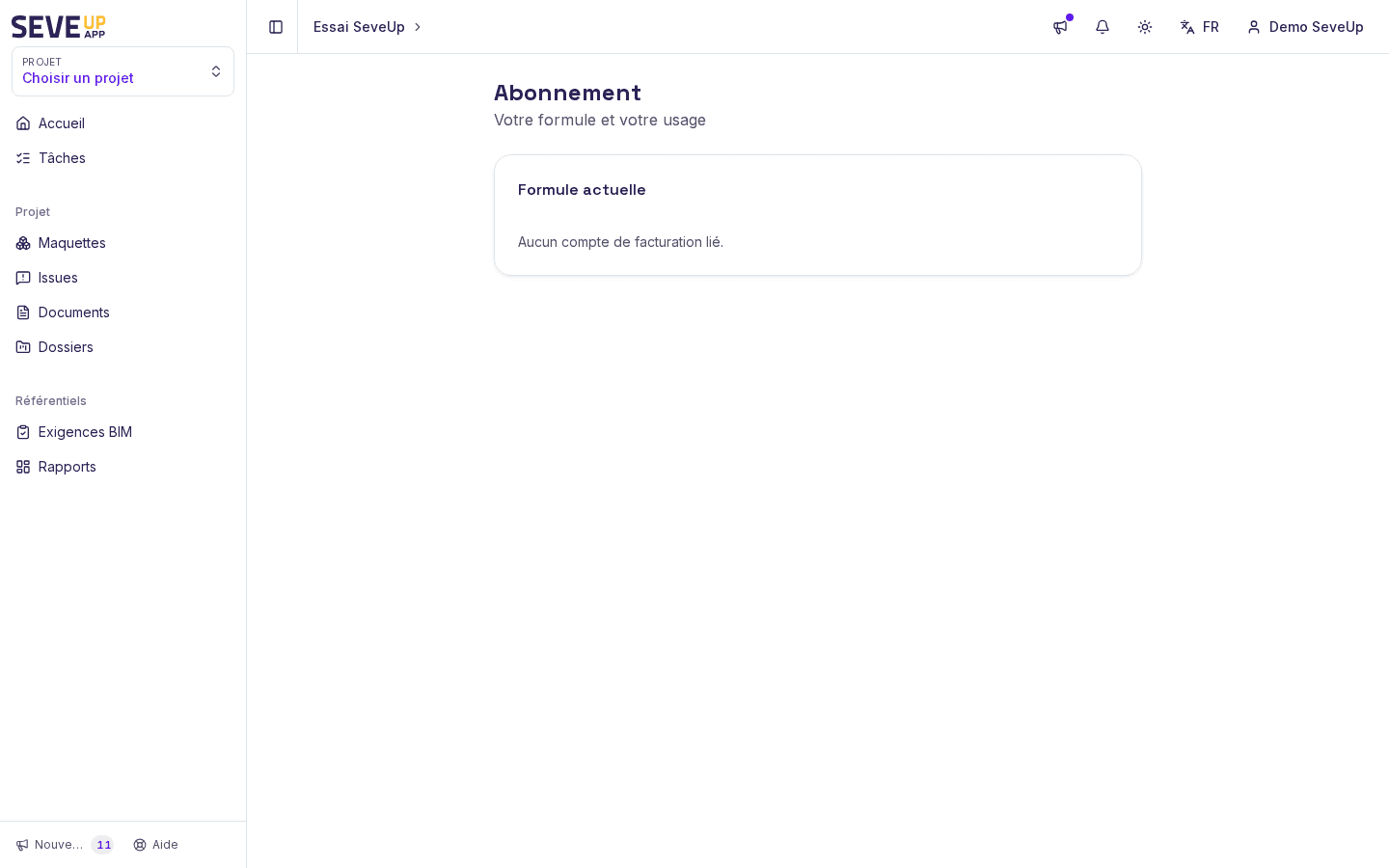
The Subscription page: current plan at the top, usage below when data exists. While the session and the subscriptions are loading, a grey rectangle (a loading placeholder) takes the place of the “Current plan” block. It goes away as soon as the data arrives.
Current plan
The first block is called “Current plan”. It lists one subscription per row, and each row gathers up to four pieces of information, some of them optional.
- The name. It is the name of the product attached to the subscription. Failing that, the page uses the name of the subscription itself, and failing that again it writes “Plan”.
- The date. It appears under the name as “Renews on 2026-11-05”, so in year-month-day format. It is shown only if the subscription has a period end date.
- The quantity. It looks like ×3, for example, to the right of the name. It is shown only when a non-zero value is set.
- The status. A badge on the right repeats the value returned by the subscription service, such as ACTIVE, TRIALING or CANCELED. If there is no status, the badge shows a dash “—”.
The badge style depends on the value. ACTIVE and TRIALING get the main style. CANCELED, UNPAID and PAST_DUE get a warning style. Any other value, or a missing status, stays neutral. The badge repeats the service’s raw value, untranslated (for example ACTIVE).
Usage
The second block, “Usage”, is optional. It appears only if a billing account is linked and the service returns at least one usage row, so its absence is not an error.
Each row shows the name of the metric on the left and the amount used on the right, followed by “/” and the limit when there is one, for example “12 / 50”. With no limit, you only see the amount. If the amount is missing, a dash “—” replaces it. If the metric name is missing, the page tries the row’s type first, then the name of the limit, then a dash.
The page only shows the figures it receives. It does not explain the list of possible metrics or what happens when a limit is reached.
What the page does not do
The page contains no action button or link. You do not change plan there, you do not cancel anything, and you do not pay any invoice. It shows the state of a subscription, it does not edit it. If you need a change, this page only helps you prepare the request: you read off the plan name, its status, its renewal date and the usage figures to quote.
What can go wrong
I see “No billing account linked.”
The page found no billing account identifier in your session, so it does not query subscriptions. The same message also appears if the session could not be read properly. Reload the page once. If the message comes back, note it exactly as shown and report it to the SeveUp team with the approximate time.
I see “No active subscription.”
The service answered without an error, but the list of subscriptions is empty for your billing account. The page says nothing more: it does not state whether a subscription existed before or why there is none now. Check that you are signed in with the right account, then ask whoever manages your organization.
I see “Could not load subscription”
The request to the subscription service failed. The message appears in red inside the “Current plan” block. Reloading the page often fixes it when the cause is temporary, such as a network drop. If the error stays, the exact text and the time help the team find the request involved.
The “Usage” block does not appear
This block exists only when the service returns at least one usage row for your billing account. If there are none, the page does not draw an empty block. So it is not necessarily a fault.
The plan name is just “Plan”
That text is the page’s last resort. It shows when the subscription has neither a named product nor a name of its own in the data received.
The status shows a dash “—”
The service returned no status for that row. The badge then stays neutral.
FAQ
Where can I see my SeveUp App subscription?
On the “Subscription” page of your account. It brings together the current plan and, when data exists, the usage.
Can I change plan or cancel from this page?
No. The page has no button to change anything: it is only there to read the state of the subscription and the usage.
What does “Renews on” followed by a date mean?
The date is the end of the subscription’s period, as returned by the service, written as year-month-day. If the subscription has no period end date, the line is not shown.
Why are there several rows in “Current plan”?
The page shows one row per subscription returned for your billing account. Several rows therefore mean the service returned several.
What is the number preceded by ×?
It is the quantity recorded on the subscription. The page shows it as is, without saying what it counts.
Why is the status not translated?
The badge repeats the service’s raw value, untranslated (for example ACTIVE). Only the page’s own labels, such as “Current plan” or “Usage”, are translated.
Pick your plan
Compare the plans and their limits, then start with the free trial.
Free 14-day trial, no credit card.